Write pseudocode in your own words.
Get a running program.
Pseudo.NET compiles free-form pseudocode to C# with a local language model. No imposed syntax, no account, no API key. Nothing leaves your machine.
Get it on the Marketplace Download the .vsix Source on GitHub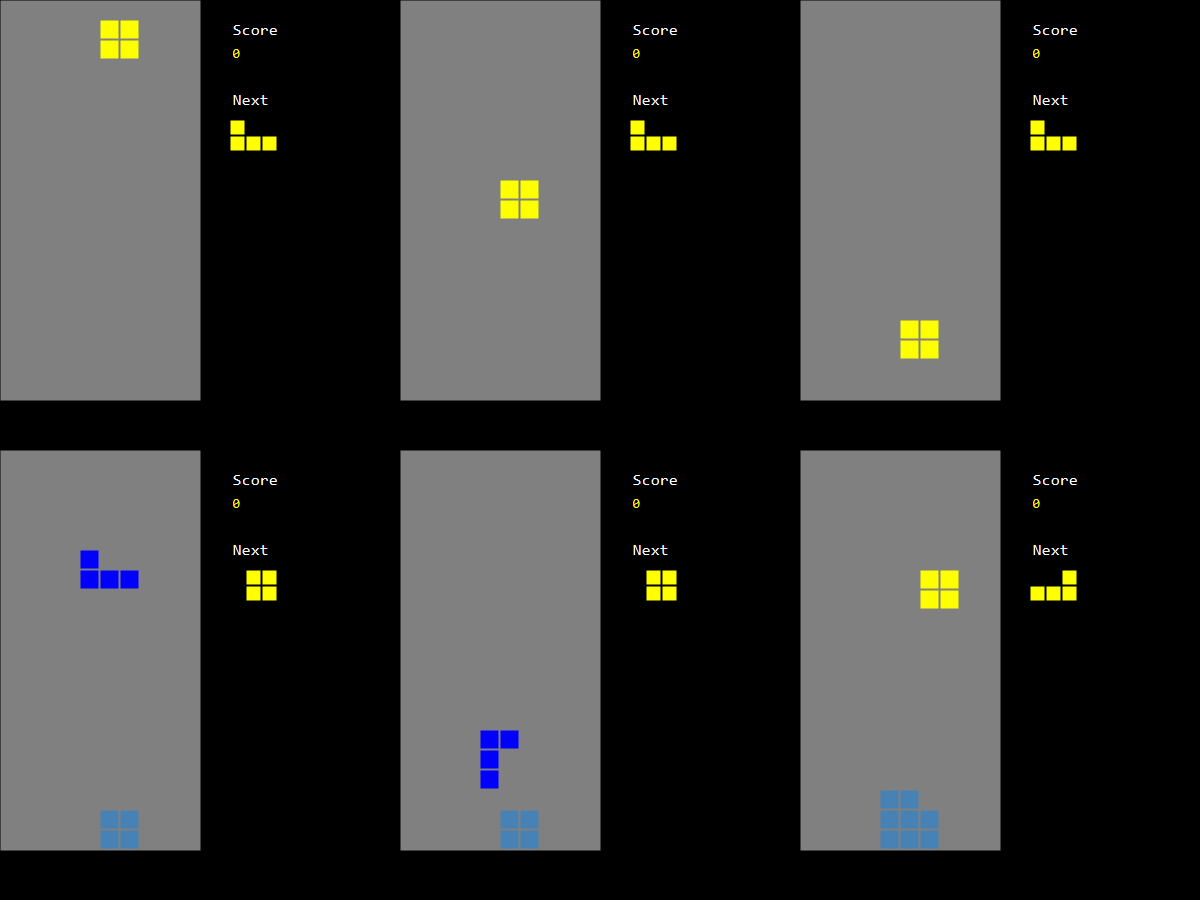
Two project types
PseudoCode
Console applications. Algorithms, exercises, teaching.
PseudrawCode
Windows with drawing, keyboard and a timer. Small games and animations.
Six ready-to-run samples are included as project templates: Snake, Tetris, Bounce, Primes, Bubble sort, Guess the number. The first run needs no Ollama. See them in the gallery.
For teachers
Agents write code now, yet students still need to learn to think algorithmically. Pseudocode is the classic way to teach it, but it was never executable. With Pseudo.NET, a student's pseudocode runs as written, in their own language and style, and the generated C# is a real program to read afterwards.
- Private: the model runs locally, so no student data is sent anywhere.
- Free: MIT license, no account, no subscription.
- No syntax to memorise: braces, indentation-only, or plain sentences all work.
Pseudocode in your language
Write in English, French, Spanish, German, Italian, Portuguese, Chinese, Japanese, Russian… The same primes program, in French and indentation only:
nombresPremiers = une nouvelle liste

définir est-ce que compteur est premier, qui retourne un booléen
	estPremier = vrai
	si compteur est inférieur à 2 alors
		estPremier = faux
	répéter diviseur de 2 à 50
		si diviseur est inférieur à compteur alors
			reste = compteur modulo diviseur
			si reste est égal à 0 alors
				estPremier = faux
	retourner estPremier

répéter compteur de 2 à 50
	premier = est-ce que compteur est premier
	si premier alors
		ajouter compteur à nombresPremiers

afficher le texte "Nombres premiers jusqu'à 50 :"
pour chaque nombre dans nombresPremiers
	afficher nombre
Colour and key names have per-language JSON tables, and compiler messages are localized. Adding your language is writing a file.
Install
Two ways, same result. Either way you need Ollama for your own programs, then once: ollama pull qwen2.5-coder:7b (about 5 GB). The samples run without it.
From the command line (any editor)
Requires the .NET 8+ SDK. Pseudraw (window) templates need Windows.
dotnet new install PseudoNet.Templates
dotnet new pseudocode -n Hello
cd Hello
dotnet run
Try a ready-made game (no Ollama needed for samples):
dotnet new pseudo-tetris -n MyTetris
cd MyTetris
dotnet run
Other templates: pseudrawcode, pseudo-snake, pseudo-bounce, pseudo-primes, pseudo-bubble-sort, pseudo-guess-number. Then edit Program.pseudo in any editor and run again.
In Visual Studio
- Visual Studio 2026 (Community is fine; 2022 is intended but untested).
- Install it from the Visual Studio Marketplace, or in Visual Studio: Extensions → Manage Extensions → search “Pseudo.NET” → Install. (Or download the
.vsixand open it.) - File → New → Project → search “Pseudo”. Press F5.
Honest limits
A 7B local model is good, not perfect: very long or ambiguous programs may need rewording. Windows only for now (Visual Studio or the .NET SDK from the command line).
Feedback
Tried it, or want to? Tell me what works, what breaks, and which programs you would like as samples: open a discussion.
Support
Pseudo.NET is free and will stay free. If it helped you or your students and you want to say thanks for the idea, a voluntary donation is welcome, never required.
Support on Ko-fi